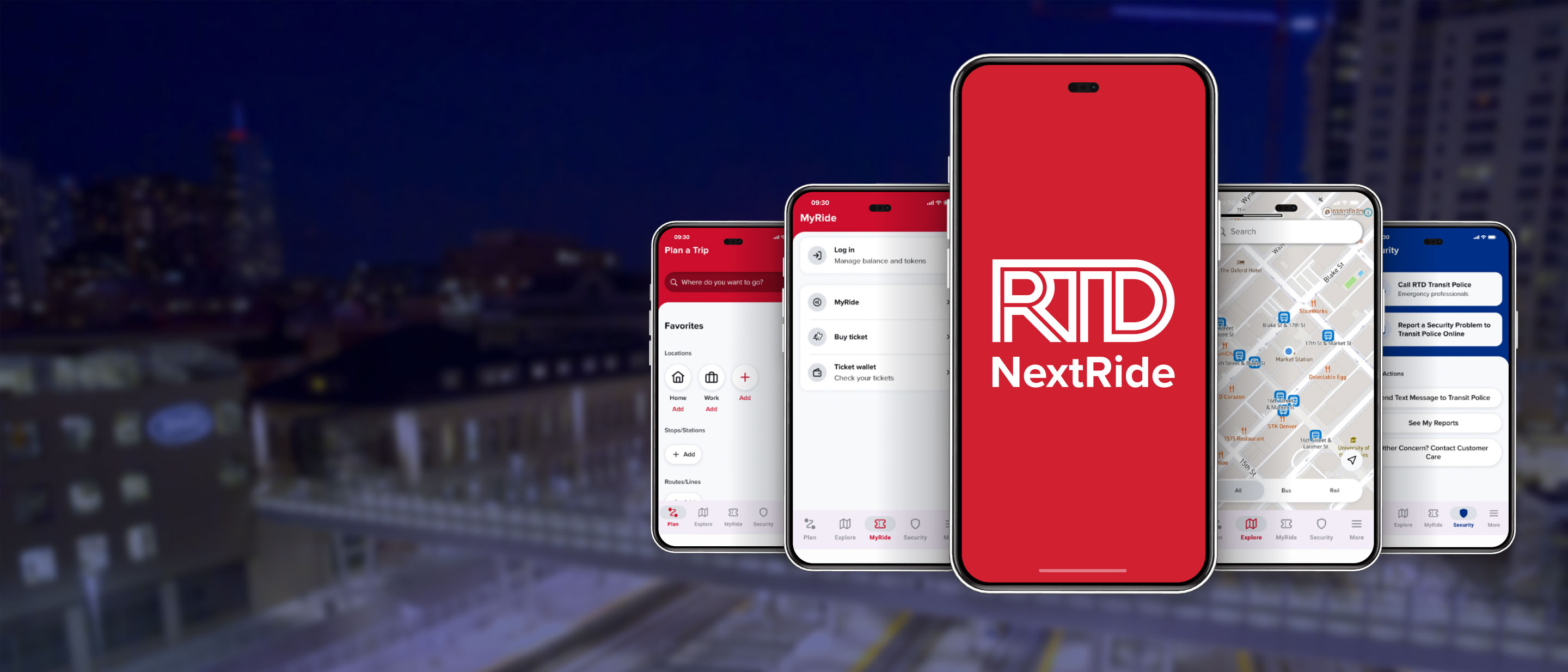
Installation de NextRide sur un appareil mobile
Comment utiliser RTD NextRide
Pour installer NextRide sur un appareil mobile, suivez les instructions ci-dessous correspondant à votre système d'exploitation.
iOS
Première étape
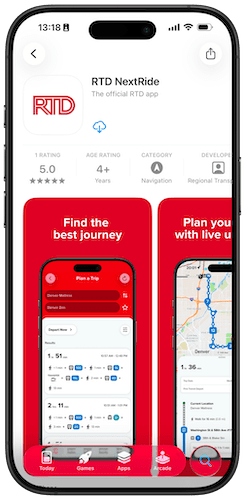
Recherchez « RTD NextRide » sur l'App Store à l'aide de la fonction de recherche ou en cliquant ici. Cliquez sur « Installer » pour installer l'application.
Deuxième étape
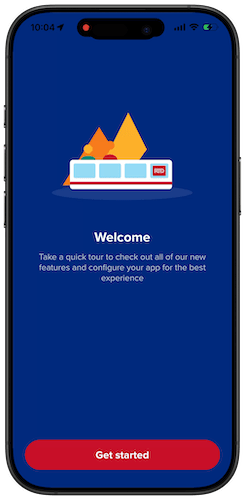
Ouvrez l'application et suivez la procédure de configuration initiale, au cours de laquelle vous choisirez vos préférences en matière de localisation, de notifications et de langue.
Troisième étape
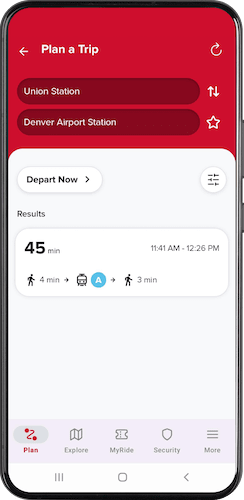
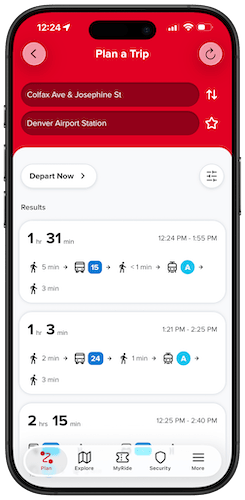
Organisez un voyage, achetez un billet ou signalez un incident de sécurité.
Android
Première étape
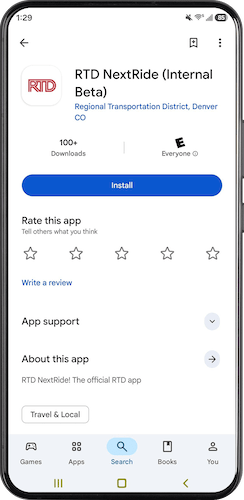
Recherchez « RTD NextRide » sur le Play Store à l'aide de la fonction de recherche ou en cliquant ici. Cliquez sur « Installer » pour installer l'application.
Deuxième étape
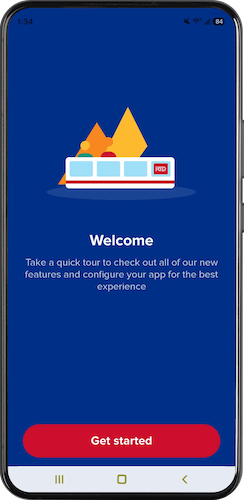
Ouvrez l'application et suivez la procédure de configuration initiale, au cours de laquelle vous choisirez vos préférences en matière de localisation, de notifications et de langue.
Troisième étape
Organisez un voyage, achetez un billet ou signalez un incident de sécurité.